Don't miss our holiday offer - up to 50% OFF!

REDWIND Audio OTG Adapter Apple MFI Lightning Male to USB-C Female for iPhone 14 13 12 11 XS X XR 8 Pro Mini Max Type C Charging Cable Converter for ipad air Camera Card Reader Connector Data Sync




Price: ₹999 - ₹229.00
(as of Nov 07, 2025 02:00:30 UTC – Details)
REDWIND Type C Female to Lightning Male Adapter Guide
How to Use the Adapter
Step 1: Identify the Adapter’s Ports
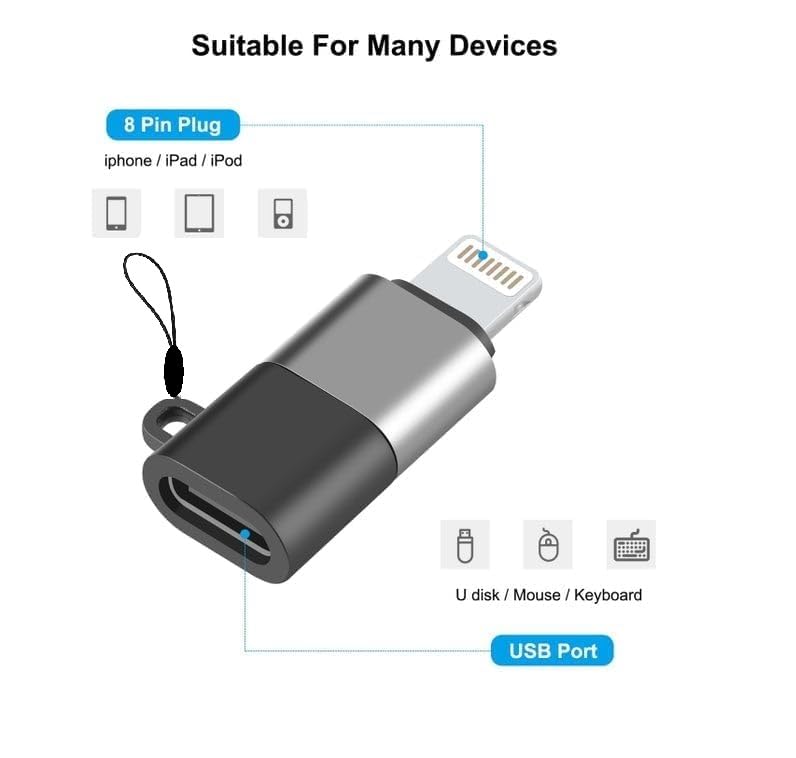
– Type-C Female Port: Connects to your USB-C charging or audio cable.
– Lightning Male Connector: Plugs directly into your iPhone, iPad, or other device.
Step 2: Connecting for Charging
1. Plug the Lightning Male end of the adapter into your device.
2. Insert your USB-C charging cable into the Type-C Female port on the adapter.
3. Ensure both connections are secure for proper charging.
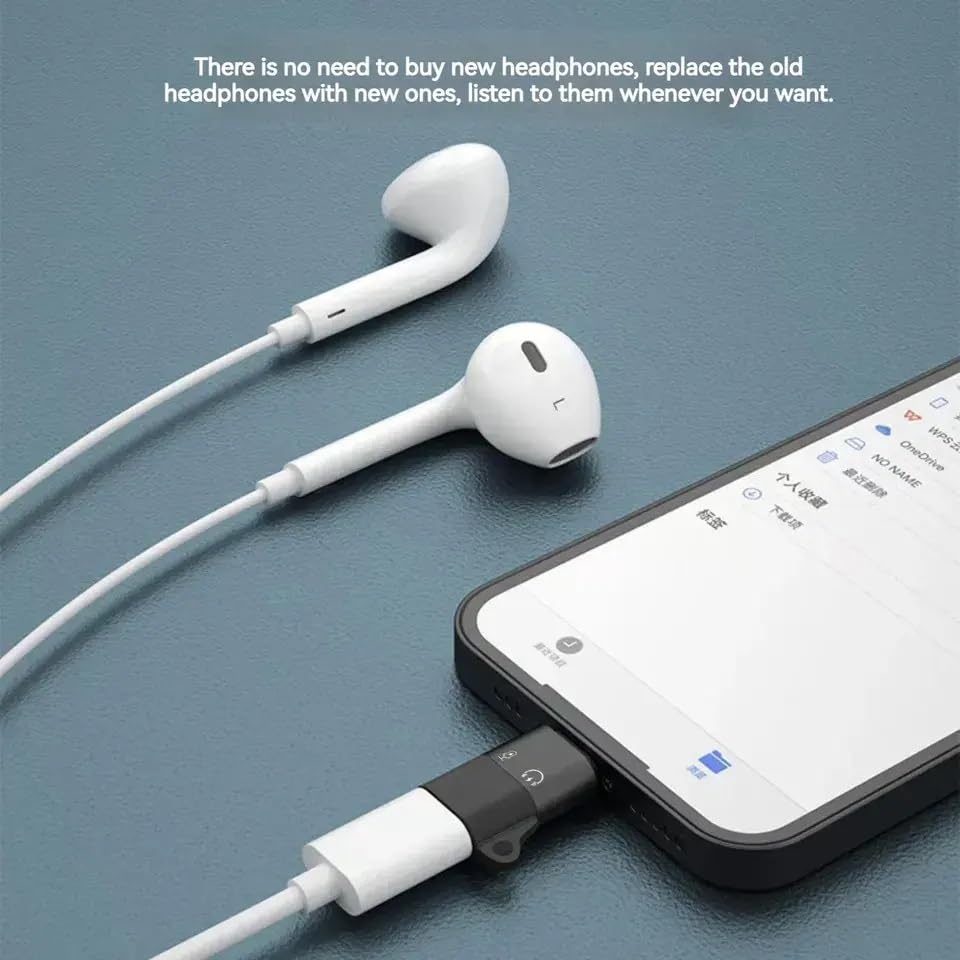
Step 3: Connecting for Audio (Mic/Headphones)
1. Plug the Lightning Male end of the adapter into your device.
2. Connect your USB-C headset or microphone to the Type-C Female port.
3. Ensure both connections are stable to enable audio input/output.
Step 4: Confirming Functionality
– For audio, ensure the connected headset/microphone is detected in your device’s settings.
Troubleshooting Guide
1. Check the Connections:
– Ensure the adapter is securely plugged into your device and cable.
– Try reinserting the adapter and cleaning the ports to remove dust.
2. Test with Another Cable:
– The issue could be with the cable. Try using a different USB-C cable.
3. Ensure Device Compatibility:
– Confirm that your iPhone model and accessories are compatible with this adapter.
4. Restart Your Device:
– Sometimes, a quick restart can resolve recognition issues.
5. Inspect for Damage:
– Examine the adapter for visible damage or bent connectors.
6. Software Update:
– Ensure your iOS device is updated to the latest software version.
7. Test with Another Device:
– Try using the adapter on a different compatible device to confirm if the issue is with the adapter
itself.
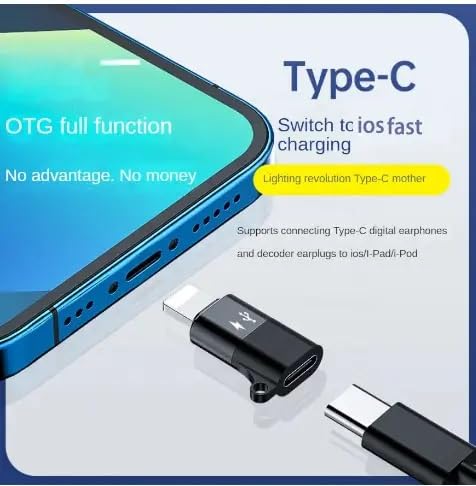
【Compact & Durable Design】The sleek, compact design reduces cable tangling, and the sturdy alloy and ABS plastic construction ensure long-lasting durability while keeping the adapter lightweight for easy portability.Supports all lightning interface devices, including for iPhone14/13/12/11/X/8/7/SE/SE2 XS/X/XR pro max, for iPad and other mobile phones and tablets.
【MFi Certified for for Lightning Devices】This USB-C to Lightning adapter is for Apple MFi certified, ensuring high-quality performance for charging, audio, and OTG data transfer. Fully compatible with all Lightning port devices.(Please note: The OTG function needs to support IOS 13 and above!)
【Audio Functionality】In addition to charging and data transfer, this adapter supports audio, making it compatible with USB-C headphones and earphones, so you can enjoy music or take calls with high-quality sound.(Please note: The adapter can connect USB C wired headphones to listen to music and watch movies, but it does not support microphone calls and other functions! ! It also does not support headphones with Bluetooth versions! )
【Versatile OTG & Data Transfer】The adapter supports OTG data functionality, allowing you to easily connect USB-C devices like flash drives, keyboards, mice, and card readers to your Lightning port devices for data transfer.Simply plug in your USB-C device to the Lightning port, and access your files or connect peripherals instantly through your “Files” or “File Manager” app.
【Creative Design】 The Lightning to USB C adapter is integrated, compact, portable, and very convenient to use. It is equipped with a keychain design, which not only looks good but also prevents product loss.
Customers say
Customers find the adapter to be of good quality. The functionality receives mixed feedback.