Don't miss our holiday offer - up to 50% OFF!

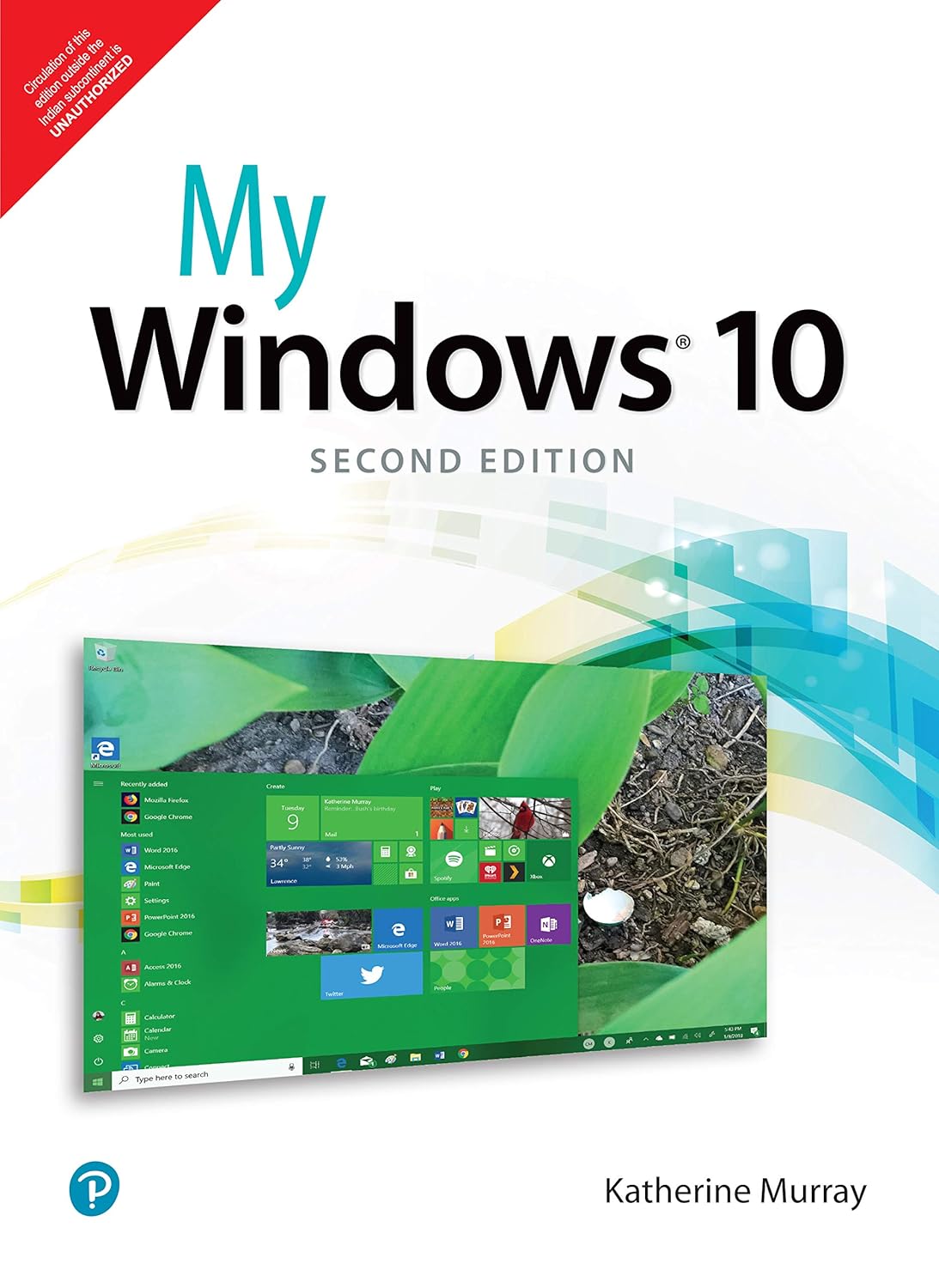
My Windows 10 (Includes video and Content Update Program)


Price: ₹286.00
(as of Nov 08, 2025 15:04:01 UTC – Details)
My Microsoft Windows 10 is an easy, full-colour tutorial on the latest operating system from Microsoft. This new edition covers the Fall Creators Update to Windows 10. This book is also part of Que’s Content Update Program. As Microsoft updates features of Windows 10, sections of this book will be updated or new sections will be added to match the updates to the software. The updates will be delivered to you via a FREE Web Edition of this book, which can be accessed with any Internet connection. To learn more, visit Full-color, step-by-step tasks walk you through getting and keeping your Windows 10 computer working just the way you want. Learn how to· Get creative with innovative new features in Windows 10 Fall Creators Update· Create photo albums and video projects on the fly using your favorite pictures and songs· Use the new My People Hub to keep in touch with friends and family· Ask Cortana to help you find information, schedule appointments, create tasks and more· Read eBooks or listen to audiobooks in the updated Microsoft Edge browser· Discover, download and rate apps and eBooks from the Windows Store· Copy, move and share files and folders using File Explorer· Use the Skype app to message your contacts and make easy—and free–audio and video calls· Make the most of new and enhanced gaming features using the Game bar and live game streaming· Create in three dimensions using Paint 3D and Remix 3D· Use OneDrive to access your files everywhere, on any device you choose· Make your computer more secure than ever, thanks to Windows Defender Advanced Threat ProtectionTable of Contents Chapter 1 Hello, WindowsChapter 2 Connecting and Managing Your Desktop and DevicesChapter 3 Accomplishing Windows 10 Essential TasksChapter 4 Using Cortana: Your Personal Digital AssistantChapter 5 Personalizing Windows 10Chapter 6 Securing Your Computer–for Yourself and Your FamilyChapter 7 Discovering, Using and Sharing Favorite AppsChapter 8 Working with Your Files in File Explorer and OneDriveChapter 9 Streamlined Surfing with Microsoft EdgeChapter 10 Staying in Touch (and in Sync) with Windows 10Chapter 11 Bringing Out Your Inner Artist with Photos and Paint 3DChapter 12 Getting Your Groove on with Favorite Music and ShowsChapter 13 Entertainment for the Gamer in YouChapter 14 Caring for Your Computer and Updating Windows
From the brand


ASIN : 9353061768
Publisher : Pearson Education; Second edition (20 May 2018)
Language : English
Paperback : 352 pages
ISBN-10 : 9789353061760
ISBN-13 : 978-9353061760
Item Weight : 414 g
Dimensions : 20.3 x 25.4 x 4.7 cm
Country of Origin : India
Best Sellers Rank: #608,510 in Books (See Top 100 in Books) #344 in Operating Systems Textbooks
Customer Reviews: 4.3 4.3 out of 5 stars 6 ratings var dpAcrHasRegisteredArcLinkClickAction; P.when(‘A’, ‘ready’).execute(function(A) { if (dpAcrHasRegisteredArcLinkClickAction !== true) { dpAcrHasRegisteredArcLinkClickAction = true; A.declarative( ‘acrLink-click-metrics’, ‘click’, { “allowLinkDefault”: true }, function (event) { if (window.ue) { ue.count(“acrLinkClickCount”, (ue.count(“acrLinkClickCount”) || 0) + 1); } } ); } }); P.when(‘A’, ‘cf’).execute(function(A) { A.declarative(‘acrStarsLink-click-metrics’, ‘click’, { “allowLinkDefault” : true }, function(event){ if(window.ue) { ue.count(“acrStarsLinkWithPopoverClickCount”, (ue.count(“acrStarsLinkWithPopoverClickCount”) || 0) + 1); } }); });