Don't miss our holiday offer - up to 50% OFF!

ClearClick VHS to DVD Kit for PC & Mac – USB Device, Software, Instructions, Tech Support – Capture Video from VCR, VHS, Hi8, Camcorders, Gaming Systems



Price: ₹12,532.45 - ₹7,832.78
(as of Nov 15, 2025 20:26:28 UTC – Details)
Easily convert your VHS tapes and camcorder tapes to digital format or DVD with the ClearClick VHS To DVD Kit for PC & Mac.
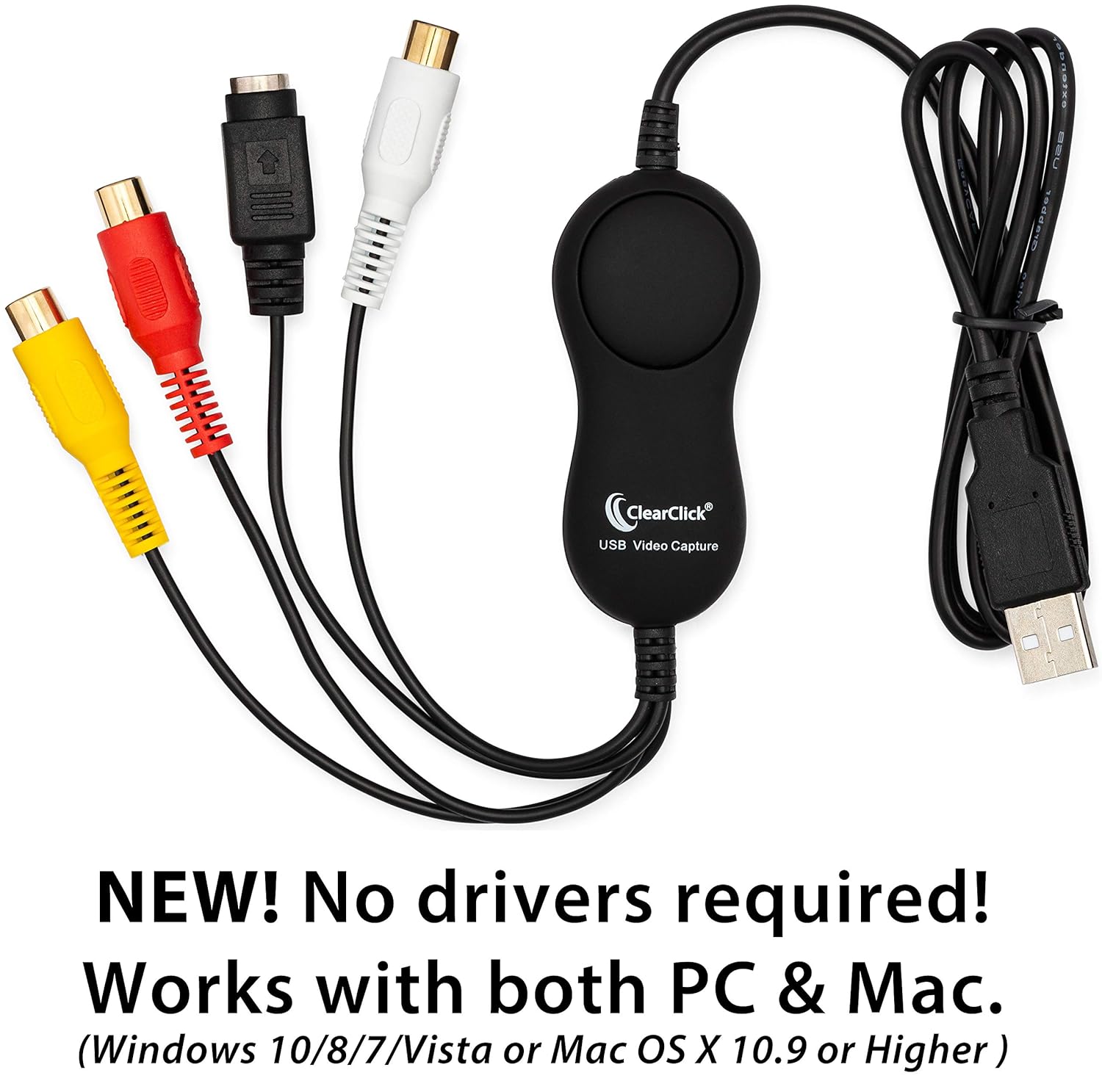
This kit includes: USB video capture device, 3-RCA video transfer cable, software, step-by-step instructions, and USA-based email tech support from ClearClick.
Here’s how it works…
1) PC: Install the included “Golden Videos VHS To DVD Converter” Software (published by NCH Software) & activate it using the included license.
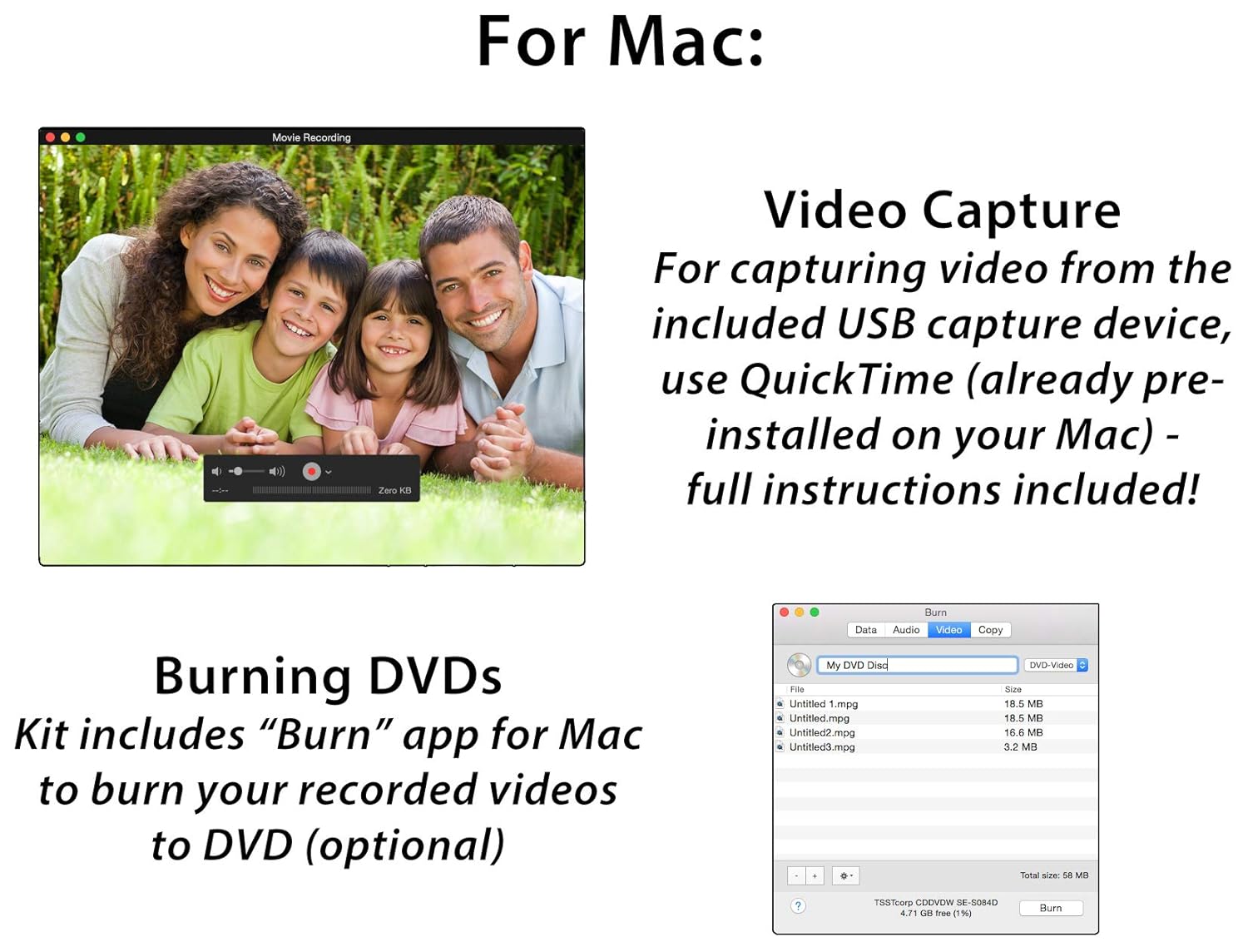
Mac: Follow the instructions to use the built-in video recording which is already pre-installed on your Mac.
2) Connect the ClearClick Video Capture Device (Included)
Next, plug in the included ClearClick Video Capture Device to any USB port on your computer. Your PC/Mac will automatically install it – no drivers required! Then, connect your VCR or camcorder to the USB video capture device using the included video transfer cable. (Note: this device is not intended for modern HD/HDMI video sources)
3) Transfer Your Video & Burn To DVD
PC: Open the “NCH Golden Videos” software on your computer, and click “Create Recording.” A step-by-step wizard will guide you through the conversion of your video. (Recording resolution: 640×480). You can then save the video on your computer in digital format or burn it to DVD.
Mac: Open “QT” on your Mac (see included instructions) and click File -> New Movie Recording. Set the software to the correct input source and click “Record.” After saving your video, you can burn a DVD using the included Mac DVD burning software.
Easy, step-by-step instructions are included as well as USA-based email tech support from ClearClick.
SOFTWARE INCLUDED FOR PC/WINDOWS: NCH Golden Videos VHS To DVD Converter
SOFTWARE INCLUDED FOR MAC: “Burn” DVD burning software (for video capture, instructions are included on how to use Mac’s built-in video capture feature.)
Convert Any Video Tape (VHS) To DVD or Digital MP4/MOV Video File (mportant Note: A fully functional VCR or camcorder is required.)
Included: USB Video Capture Device, 3-RCA to 3-RCA Cable, Digital Software License, & Step-By-Step Instructions for PC/Mac
No Drivers Required – ClearClick USB Video Capture Device Automatically Installs on Windows & Mac
Free USA-Based Tech Support + 2 Year Warranty from ClearClick, a USA-Based Small Business
Designed for PC & Mac – Windows 10/8/7/Vista or Mac OS X 10.9 or Higher