Don't miss our holiday offer - up to 50% OFF!

ASTER Annual 2 Workplaces, MS Windows 7/8/10/11/ (2-User 1PC) Annual Subscription 1-Year (Email Delivery No CD)

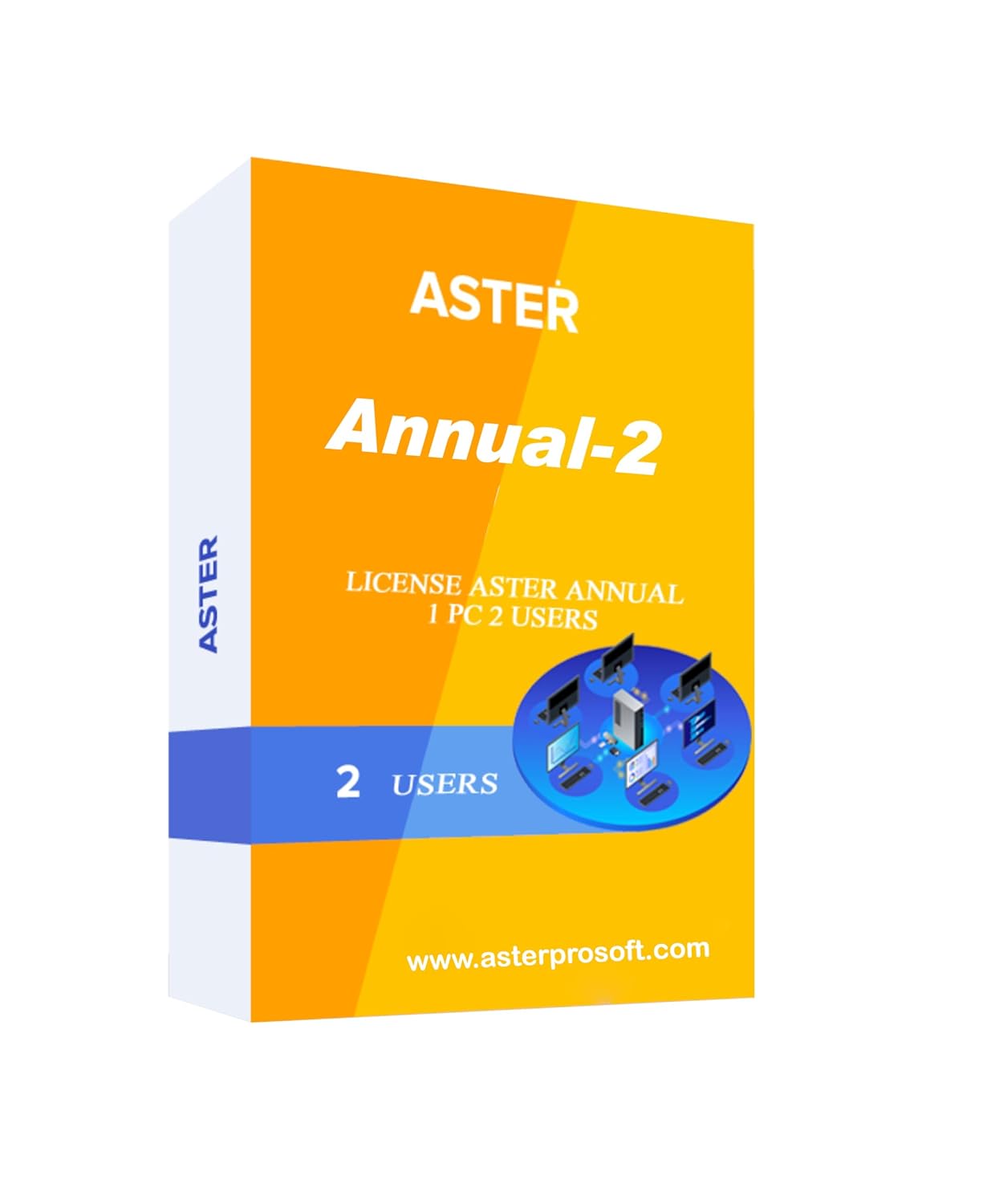

Price: ₹2,999 - ₹1,590.00
(as of Nov 05, 2025 02:14:42 UTC – Details)
Product Description

Can You Save Up To 70% Budget By ASTER SOFTWARE

Can You Save Up To 70% Budget By ASTER SOFTWARE
The ASTER program:
allows reducing the factory budget on making new computer workplaces by reducing the number of desktopsallows creating several workplaces based on 1 PC. This reduces expenses on purchasing desktops, SW licenses, maintenance, amortization, and electrical power consumptionhas several levels of security. Firstly, it doesn’t use the Internet. Secondly, the authentication process could be done by a USB key. Thirdly, ASTER allows using secure features of Windows accounts
Benefits of ASTER SOFTWARE

MONEY SAVING
With our software you can save money on additional computers

SPACE SAVING
You can create an additional workplace even in a small room

ELECTRIC SAVING
Using ASTER you can reduce your electricity bill up to 4 times

ZERO NETWORK LOAD
Data exchange between workplaces does not increase network traffic

How To Install Aster Home Multiseat Software
Install the Aster Home software and make sure to run the installation package setup. It’ll be a .exe file.Read the software description and agree to the Aster Home end-user licence agreement.After clicking on “I agree to these terms and conditions” you’ll be taken to the next section, where you can see two options and settings-Optimize the Power Supply ParametersDisable Fast BootYou are suggested to click on both of these options for better use of Aster Annual-2Click on ‘Install’ and you’re good to go. Windows may restart after your installation.
It has a 14-day trial period Free
Space Saving You Can Create an Additional Workplace Even in A Small Room
Money Saving With Our Software You Can Save Money on Additional Computers
Easy to Use ASTER Can Be Started or Unloaded at Any Time as A Usual Program
Electricity Saving Using ASTER You Can Reduce Your Electricity Bill up To 4 Times
Zero Network Load Data Exchange Between Workplaces Does Not Increase Network Traffic
It is possible to transfer licenses to another computer (4 TIME)