Don't miss our holiday offer - up to 50% OFF!

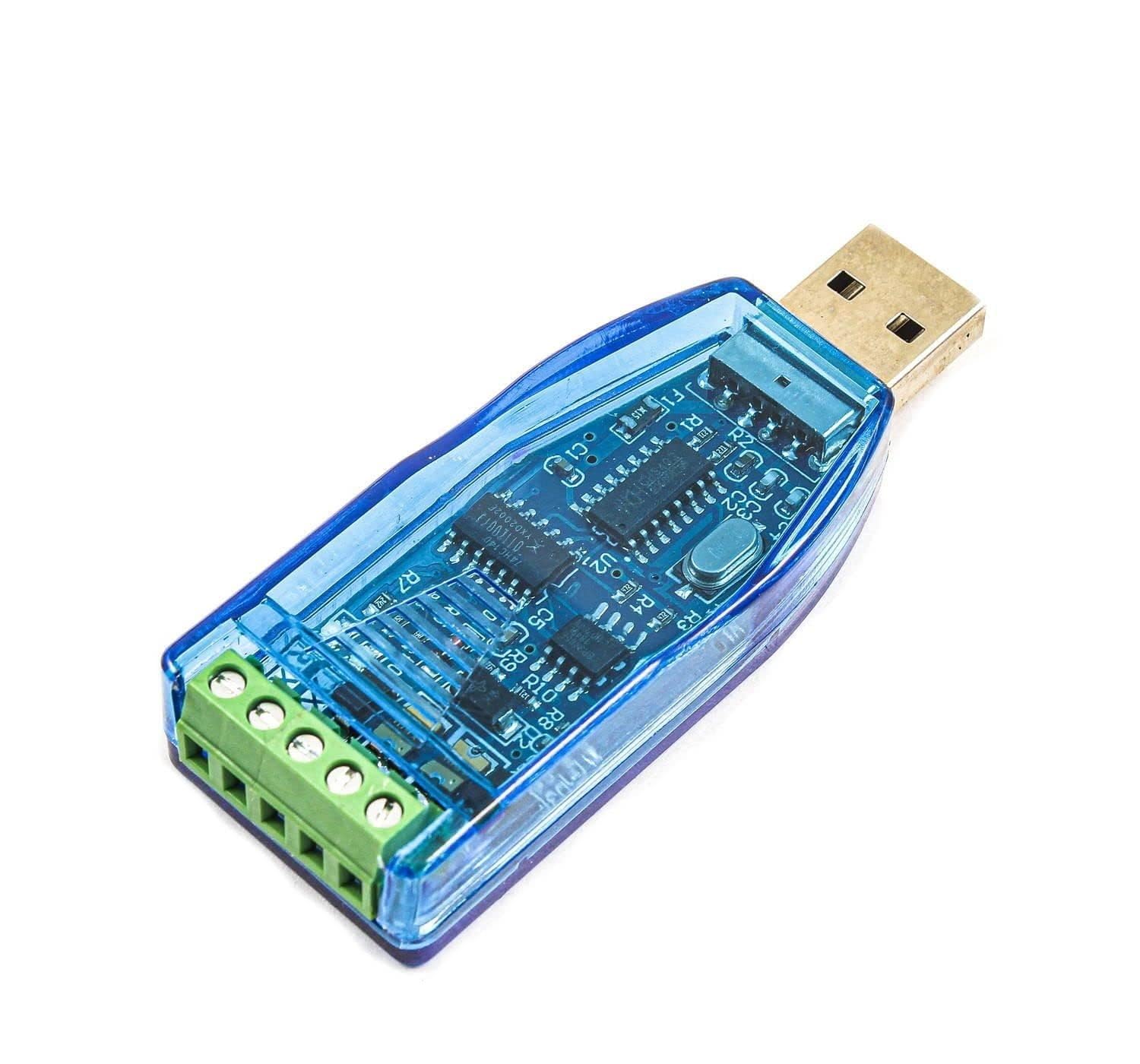
RyzCare USB to RS-485 Converter Adapter with CH 340/341 Chipset | Supports All Windows Versions | High-Speed RS485 Port | Max Distance 4000ft (1200m SMRS485-01)



Price: ₹1,299 - ₹489.00
(as of Oct 28, 2025 10:11:24 UTC – Details)
Product Description

RyzCare USB to RS 485 converter allows PC users to connect their RS-485 devices to systems that use the USB interface. The power is derived from the USB port, there are not any cumbersome power adapters. This makes the converter especially suitable for PLCs, printers, POS system and industrial control devices.
TECHNICAL DETAILS
Compatibility: USB C2.0 standard and Interface: USB to Serial: RS-485Port: One Independent RS-485Connector: USB-type A connector, screw terminalTransmission Speed: 600bps to 115.2KbpsParity Bit: Odd, Even, NoneData Bit: 5, 6, 7, 8Stop Bit: 1, 1.5, 2Support baud rate range: 75-115200bpsExtended temperature range from -40°C to +85°CPower Consumption: 1.5W @ 5VMax. Distance: 4000ft (1200m) @ 19.2KbpsOperating Temperature: -20°C to +65°COperating Humidity: 20% to 95% (non-condensing)
Package Included: 1 x USB To RS 485 Converter

Applications and Dimensions
Data collection, Signal conversion, Equipment Repair , Product development etc.
Dimensions: 26 x 70 x 13 mm and Weight: 16 g.

How to Install Device Driver
Download CH340 Driver software and Serial communication software. Install CH340 Driver. Connect module to PC and check PC’s ‘Device manager’. Open Serial communication software to use send data. It will display CH340. If the computer does not recognize the module, the user needs to uninstall the driver software, then re-install or replace the computer or change the USB port. Insert the RS485 module into the computer, check the mapped serial port number in the “Device Management Department” of the system, then select the corresponding serial port number in your application software, and open the serial port to send and receive data, so simple.

Wiring instructions:
USB interface: plug directly into the computer USB interface when using. RS485 bus interface: module A interface is connected to target device A interface, module B interface is connected to the target device B interface (some device flags D+ means A, D- means B). Up to 256 related devices can be attached to the bus
[USB to RS485 Converter CH340 Chip] USB RS485 RS232 industrial grade 2-in-1 converter extends to RS-232/485 interface via USB. Using CH340 series chip, using CH340 driver, USB and 485 signals can be sent and received in half-duplex mode, data can be transferred in both directions.
[Transmission Stability] Built-in TVS protection circuit, electrostatic ESD protection, surge protection, AB signal line short circuit and power short circuit protection, protect your equipment from voltage spikes and surges, reliable and stable performance, ensure consistent data transmission and reception, making it more suitable for industrial applications.
[Compact & Portable] Small in size and light in weight, this USB to RS-485/RS-232 converter can easily fit in your pocket or bag, making it perfect for use on the go.
[Easy to Use] Simply plug in the USB to RS485 adapter and it will be automatically recognized by your operating system, making it easy to set up and use your device.
[Wide Compatibility] Industrial grade USB to RS485 RS232 converter. Suitable for Windows 2000, XP, Vista operating systems, ensuring compatibility with a wide range of devices. Widely used for PLCs, printers, POS systems and industrial control equipment.